

Converting a 2D image to a 3D model has become increasingly accessible thanks to advancements in AI technology. One of the most exciting applications of this technology is the ability to convert any photo into a 3D model that can be used for various purposes, such as 3D printing.

Sloyd.ai is a powerful tool that leverages AI to simplify the process of converting images to STL files, a format commonly used for 3D printing. This article will explore how Sloyd.ai works, the benefits of using AI for converting images to STL, and the various applications of this technology.
Table of Contents
Key Takeaways
- Understanding the process of converting 2D images to 3D models using AI.
- Exploring Sloyd.ai as a tool for converting images to STL files.
- Learning about the applications and benefits of converting images to 3D models.
- Discovering the potential of AI in simplifying complex conversion processes.
- Gaining insights into the future of 3D modeling and printing.
The Basics of 3D Model File Formats
Understanding 3D model file formats is crucial for anyone involved in 3D printing or modeling. These formats determine how 3D models are stored, shared, and used across different platforms and applications.
What is an STL File?
An STL (STereoLithography) file is a widely used format for 3D models. It represents the surface geometry of a 3D object using a collection of triangles. STL files can be either binary or ASCII, with binary being more compact and commonly used.
Comparing STL to Other 3D File Formats
While STL is a popular choice, other formats like 3MF and OBJ are also significant in the 3D modeling and printing community.
STL vs. 3MF Files
STL files are limited in their capabilities, as they only describe the surface geometry of an object. In contrast, 3MF (3D Manufacturing Format) files can contain more information, such as color, materials, and other metadata, making them more versatile for complex 3D printing tasks.
STL vs. OBJ Files
OBJ files are another common format for 3D models. Unlike STL, OBJ files can store color and texture information, making them suitable for applications where visual fidelity is important. However, OBJ files are generally larger and more complex than STL files.
Why STL Files Are Popular for 3D Printing
Despite their limitations, STL files remain popular for 3D printing due to their simplicity and widespread support across different 3D printing software and hardware. They are easy to generate and can be quickly sliced for printing, making them a convenient choice for many users.
The choice between STL, 3MF, and OBJ depends on the specific requirements of your project, including the need for color, texture, or other metadata. Understanding these formats is key to successful 3D modeling and printing.
Image to STL Conversion: How It Works
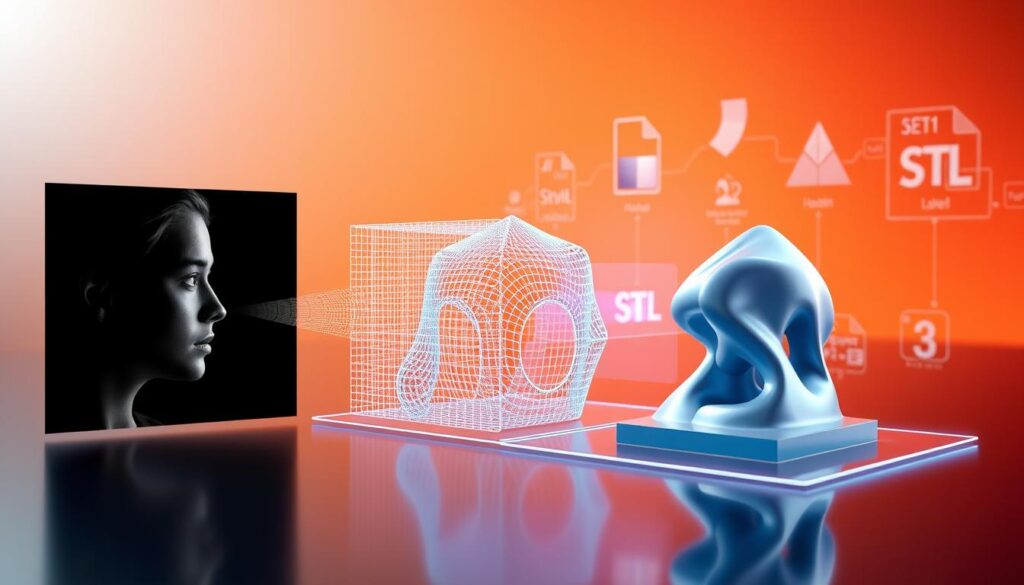
With advancements in AI technology, converting photos to STL files has become more accessible and efficient. This process has revolutionized the way we create 3D models from 2D images, enabling various applications across different industries.
Traditional Methods of Creating 3D Models from Images
Traditionally, creating 3D models from images involved manual modeling or using photogrammetry software. These methods required significant expertise and time, limiting their accessibility to professionals. Manual modeling involved recreating the 3D object from scratch based on the 2D image, while photogrammetry used multiple images taken from different angles to estimate the 3D structure.
The AI Revolution in Image-to-3D Conversion
The advent of AI-powered tools has transformed the image-to-3D conversion landscape. AI algorithms can now analyze a single image and generate a 3D model with remarkable accuracy. This technology has made it possible for anyone to convert images to STL online, without requiring extensive 3D modeling knowledge.
Technical Process Behind Converting Photos to 3D Models
The technical process involves several key steps:
- Image analysis: AI algorithms analyze the input image to identify features and depth information.
- Depth estimation: The AI estimates the depth map of the image, creating a 3D representation.
- Mesh generation: The depth information is used to generate a 3D mesh.
- STL conversion: The final 3D mesh is then converted into an STL file, ready for 3D printing or further processing.
This process is made possible by advanced AI models that can learn from vast datasets of images and 3D models, improving their accuracy over time.
By leveraging AI-powered tools like Sloyd.ai, users can easily convert photos to STL files, opening up new possibilities for 3D printing, product design, and other applications.
Introducing Sloyd.ai: A Powerful AI-Based Converter
Sloyd.ai is at the forefront of AI-powered image-to-3D model conversion. It offers a robust solution for those looking to create STL from image or convert any photo to a 3D model.
What is Sloyd.ai?
Sloyd.ai is an innovative platform that utilizes AI to convert 2D images into 3D models. It’s designed to simplify the process of creating 3D content from images, making it accessible to users without extensive technical knowledge.
Key Features and Capabilities
Sloyd.ai boasts several key features, including high accuracy in conversion, a user-friendly interface, and the ability to handle complex images. Its capabilities extend to producing detailed 3D models suitable for various applications, from 3D printing to product design.
How Sloyd.ai Compares to Other Conversion Tools
Compared to other conversion tools, Sloyd.ai stands out due to its advanced AI algorithms, ease of use, and high-quality output. The following table summarizes a comparison between Sloyd.ai and other popular conversion tools:
| Feature | Sloyd.ai | Tool A | Tool B |
| AI-Powered | Yes | No | Yes |
| Ease of Use | High | Medium | High |
| Output Quality | High | Medium | High |
By leveraging AI technology, Sloyd.ai enables users to create STL files from images efficiently, making it a valuable tool for both professionals and hobbyists in the field of 3D modeling and printing.
Step-by-Step Guide: Converting an Image to STL Using Sloyd.ai
With Sloyd.ai, the process of transforming a 2D image into a 3D model is straightforward and efficient. This guide will walk you through the necessary steps to convert your image to an STL file, ready for 3D printing or other applications.
Creating an Account on Sloyd.ai
To begin, you’ll need to create an account on Sloyd.ai. This process is simple and quick. Just head over to the Sloyd.ai website, click on the ‘Sign Up’ button, and follow the prompts to enter your details. Once you’ve verified your email address, you’re ready to start converting images to STL files.
Preparing Your Image for Conversion
Before uploading your image, ensure it’s in a suitable format (JPEG, PNG, or GIF) and has good contrast. High-quality images yield better results. You may need to edit your image using photo editing software to enhance its quality.
- Check the image resolution: Higher resolution images generally produce more detailed 3D models.
- Adjust the contrast: Images with good contrast between the subject and background work best.
- Crop the image: Focus on the subject by cropping out unnecessary background.
Uploading and Converting Your Image
Once your image is prepared, log in to your Sloyd.ai account and navigate to the conversion tool. Click on ‘Upload Image’ and select your file. Sloyd.ai’s AI will then process your image, converting it into a 3D model. This process typically takes a few minutes, depending on the complexity of the image.
Adjusting Parameters for Optimal Results
After the initial conversion, you may need to adjust certain parameters to fine-tune your 3D model. Sloyd.ai provides options to tweak the model’s resolution, detail level, and other settings. Experiment with these settings to achieve the desired outcome.
- Resolution: Adjust the model’s resolution to balance between detail and file size.
- Detail Level: Increase or decrease the level of detail based on your project’s requirements.
Downloading Your STL File
Once you’re satisfied with your 3D model, you can download it as an STL file. Simply click on the ‘Download STL’ button, and the file will be saved to your computer. You can then use this file for 3D printing or further editing in your preferred 3D modeling software.
By following these steps, you can easily convert any image to an STL file using Sloyd.ai. The platform’s intuitive interface and powerful AI make it an ideal tool for both beginners and experienced users looking to bring their 2D images into the world of 3D.
Best Practices for Image Selection
To achieve the best results in converting an image to STL, it’s essential to start with the right image. The quality and characteristics of your original image play a significant role in determining the success of the conversion process.
Ideal Image Types for STL Conversion
When it comes to converting images to STL, some types perform better than others. Let’s examine the differences between photos and illustrations, as well as simple versus complex images.
Photos vs. Illustrations
Photos generally work well for STL conversion because they provide a realistic representation with natural shading and depth cues. Illustrations, on the other hand, can also be used, especially if they have clear, defined edges and sufficient detail.
Simple vs. Complex Images
Simple images with clear subjects and minimal background clutter tend to convert more cleanly. Complex images with intricate details or busy backgrounds can be more challenging, but Sloyd.ai’s AI is designed to handle a wide range of complexities.
Image Resolution and Quality Considerations
The resolution and quality of your image are critical factors in achieving a good STL conversion. Higher resolution images generally yield better results, but it’s also important to balance resolution with file size and complexity.
| Image Characteristic | Ideal Condition |
| Resolution | High (at least 1024 x 1024 pixels) |
| File Format | PNG or JPEG |
| Background | Simple or easily isolatable |
Pre-processing Tips for Better Results
Before uploading your image to Sloyd.ai, consider pre-processing it to enhance the conversion quality. This can include adjusting brightness and contrast, removing unnecessary background elements, and ensuring the subject is well-defined.
Advanced Features of Sloyd.ai’s Platform
Beyond simple conversions, Sloyd.ai’s platform provides a suite of advanced features for refining 3D models. These features are designed to enhance the quality and versatility of the output STL files, making it easier for users to achieve their desired results.
Creating Colored 3D Models
One of the standout features of Sloyd.ai is its ability to create colored 3D models from images. This feature allows for more visually appealing and detailed 3D representations, which can be particularly useful for applications such as 3D printing personal photos and artwork. By preserving the color information from the original image, Sloyd.ai enables users to produce 3D models that are not only accurate in shape but also in color.
Texture Mapping Options
Sloyd.ai also offers advanced texture mapping options, allowing users to apply detailed textures to their 3D models. This feature is crucial for creating realistic models that capture the subtleties of the original image. With various texture mapping choices available, users can customize their 3D models to suit specific needs, whether it’s for product design, prototyping, or artistic projects.
Batch Processing Multiple Images
For users who need to convert multiple images to STL files, Sloyd.ai provides a batch processing feature. This functionality enables the simultaneous conversion of several images, saving time and increasing productivity. It’s particularly useful for projects that require the creation of multiple 3D models, such as in educational or research contexts.
Editing and Refining Your 3D Models After Conversion
After converting your image to an STL file, the next crucial step is refining the 3D model to achieve the desired quality. This process involves utilizing the right tools and techniques to ensure your 3D model is print-ready or suitable for your intended application.
Built-in Editing Tools in Sloyd.ai
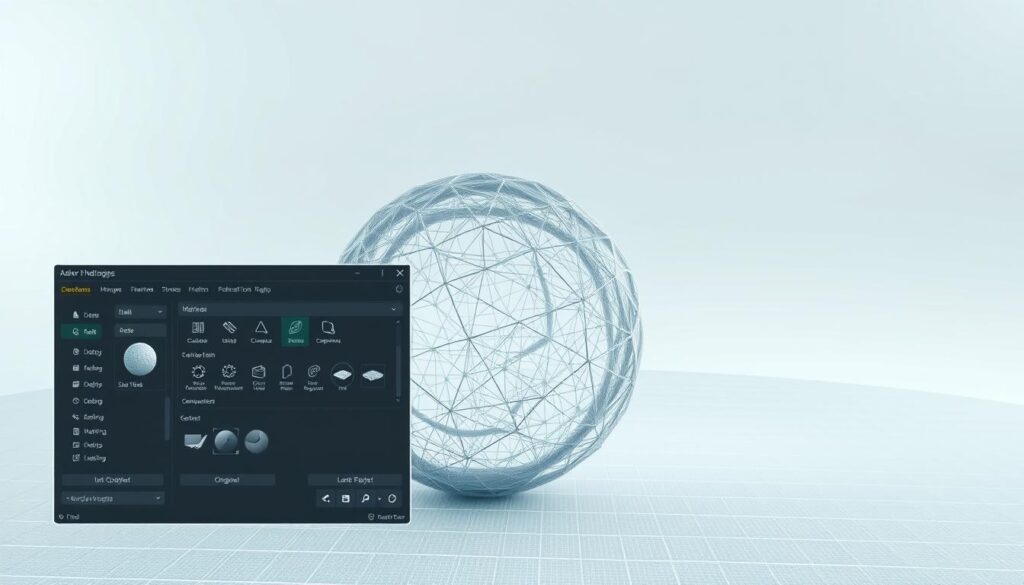
Sloyd.ai offers built-in editing tools that allow users to make basic adjustments to their 3D models. These tools enable you to tweak the model’s dimensions, orientation, and other parameters to better suit your needs. While these tools are not as comprehensive as professional 3D modeling software, they are convenient for making quick adjustments.
Exporting to External 3D Modeling Software
For more advanced editing, Sloyd.ai allows you to export your 3D model to external 3D modeling software. This feature is particularly useful if you need to perform complex modifications or optimizations that are beyond the capabilities of Sloyd.ai’s built-in tools. Popular software for this purpose includes Blender and Tinkercad.
Tips for Cleaning Up Conversion Artifacts
Conversion artifacts can sometimes occur when transforming an image into a 3D model. To minimize these issues, it’s essential to clean up your 3D model. Here are some tips:
- Inspect your model for any unwanted protrusions or holes.
- Use smoothing tools to refine the model’s surface.
- Check for and repair any mesh errors.
| Editing Task | Sloyd.ai Built-in Tools | External Software |
| Basic Adjustments | Yes | Yes |
| Advanced Modifications | No | Yes |
| Mesh Repair | Limited | Yes |
By combining Sloyd.ai’s built-in editing tools with external 3D modeling software, you can achieve high-quality STL files that meet your specific needs. Whether you’re preparing a model for 3D printing or another application, taking the time to refine your 3D model will yield the best results.
Practical Applications of Image to STL Conversion
The ability to convert images to STL files has opened up new possibilities across various industries and personal projects. This technology has made it easier to transform 2D images into 3D models, which can then be used for a variety of purposes, from 3D printing to product design.
3D Printing Personal Photos and Artwork
One of the most exciting applications of image to STL conversion is in 3D printing personal photos and artwork. This allows individuals to create tangible, three-dimensional representations of their favorite memories or artistic creations. For instance, a family can 3D print a photo of their loved one, creating a lasting memorial.
Product Design and Prototyping
In the field of product design and prototyping, converting images to STL files can significantly streamline the development process. Designers can use images of existing products or concepts to create 3D models, which can then be 3D printed for testing and refinement. This application is particularly useful for iterating on designs and creating prototypes quickly.
Educational and Research Applications
Image to STL conversion also has significant educational and research applications. Students and researchers can use this technology to create 3D models from images of fossils, artifacts, or other objects of study. This can enhance learning and facilitate research by providing accurate, manipulable 3D representations of complex subjects.
Art and Creative Projects
Artists and creatives are finding innovative ways to use image to STL conversion in their work. By converting images into 3D models, artists can create complex sculptures or designs that would be difficult or impossible to produce by hand. This technology is expanding the possibilities for artistic expression and creativity.
Troubleshooting Common Issues in Image to STL Conversion
To achieve optimal results when converting images to STL using Sloyd.ai, understanding common pitfalls is crucial. While the platform simplifies the conversion process, users may still encounter challenges, particularly with complex or low-quality images.
Dealing with Complex or Low-Quality Images
When working with intricate or poor-quality images, pre-processing is key. Adjusting image resolution and quality before conversion can significantly improve results. Users can also try simplifying complex images or breaking them down into separate components for individual conversion.
Fixing Mesh Errors and Artifacts
Mesh errors and artifacts can occur during the conversion process. Sloyd.ai’s built-in editing tools can help refine 3D models and remove unwanted artifacts. For more complex issues, exporting the model to external 3D modeling software may be necessary.
Solutions for Failed Conversions
In cases where conversions fail, users should first check the image file format and quality. Ensuring the image meets Sloyd.ai’s input requirements can resolve many issues. If problems persist, reaching out to Sloyd.ai’s support team can provide further assistance.
| Issue | Solution |
| Complex or low-quality images | Pre-process images, simplify complex scenes |
| Mesh errors and artifacts | Use Sloyd.ai’s editing tools or external 3D software |
| Failed conversions | Check image format and quality, contact support |
By understanding and addressing these common issues, users can successfully convert their images to STL files using Sloyd.ai’s picture to stl converter, achieving high-quality results for 3D printing or other applications.
The Future of AI-Powered 3D Model Creation
AI-powered 3D model creation is on the cusp of a revolution, driven by advancements in artificial intelligence and machine learning. As these technologies continue to evolve, we can expect significant improvements in the quality and speed of image-to-3D conversion processes.
Emerging Technologies in Image-to-3D Conversion
Recent breakthroughs in deep learning and neural networks are enhancing the capabilities of image-to-3D conversion tools. Technologies such as generative adversarial networks (GANs) and physics-informed neural networks (PINNs) are being explored to improve the accuracy and detail of 3D models generated from 2D images. These advancements are expected to reduce the need for manual intervention and enhance the overall efficiency of the conversion process.
What’s Next for Sloyd.ai and Similar Platforms
For platforms like Sloyd.ai, the future looks promising, with potential developments including more sophisticated AI algorithms that can handle complex images and produce highly detailed 3D models. Additionally, we may see integration with other technologies such as virtual reality (VR) and augmented reality (AR), further expanding the applications of AI-powered 3D model creation.
Conclusion
The process of converting images to STL files has been revolutionized with the advent of AI technology, and Sloyd.ai is at the forefront of this innovation. By leveraging advanced algorithms, Sloyd.ai enables users to create 3D models from 2D images with unprecedented ease and accuracy.
As we’ve explored throughout this article, the image to STL conversion process involves complex technical steps, but Sloyd.ai simplifies this process, making it accessible to a wide range of users. The platform’s capabilities extend beyond simple conversions, offering advanced features such as texture mapping and batch processing.
The applications of this technology are vast, ranging from 3D printing personal photos and artwork to product design and prototyping. As AI continues to evolve, we can expect even more sophisticated 3D model creation tools to emerge. Sloyd.ai represents a significant advancement in the field of 3D modeling, bridging the gap between 2D images and 3D models.
FAQ
What is the process of converting an image to an STL file?
The process involves using AI-powered tools like Sloyd.ai to analyze the image and generate a 3D model, which is then converted into an STL file. This process includes image processing, 3D model generation, and mesh creation.
Can I convert any type of image to an STL file?
Most image types can be converted, but the quality of the output depends on the image resolution, clarity, and complexity. Ideal images are those with clear subjects and good contrast.
What is the difference between STL and 3MF file formats?
STL (STereoLithography) files are widely used for 3D printing and contain information about the surface geometry of a 3D object. 3MF (3D Manufacturing Format) files are more advanced, supporting not only geometry but also other data like materials, colors, and textures, making them more versatile for complex 3D printing tasks.
How do I prepare my image for conversion to STL?
To prepare your image, ensure it is clear and has good contrast. You may need to edit the image to enhance its quality, adjust brightness and contrast, or remove unnecessary background elements.
Can Sloyd.ai handle complex images?
Yes, Sloyd.ai is designed to handle a variety of images, including complex ones. However, the output quality may vary depending on the image’s complexity and quality.
Is it possible to create colored 3D models using Sloyd.ai?
Yes, Sloyd.ai supports the creation of colored 3D models. The platform can generate STL files with color information, although the display of colors may depend on the 3D printing technology used.
What are the common issues encountered during image to STL conversion?
Common issues include dealing with complex or low-quality images, mesh errors, and artifacts. Solutions include pre-processing images, adjusting conversion parameters, and using editing tools to refine the 3D model.
Can I edit the 3D model after converting my image to STL?
Yes, Sloyd.ai offers built-in editing tools, and you can also export the STL file to external 3D modeling software for further editing and refinement.
Are there any limitations to using Sloyd.ai for image to STL conversion?
While Sloyd.ai is a powerful tool, its effectiveness can be limited by the quality of the input image and the complexity of the subject. Additionally, very intricate details may not always be accurately captured.
What are the practical applications of converting images to STL files?
The applications are diverse, including 3D printing personal photos and artwork, product design and prototyping, educational and research projects, and various art and creative endeavors.